
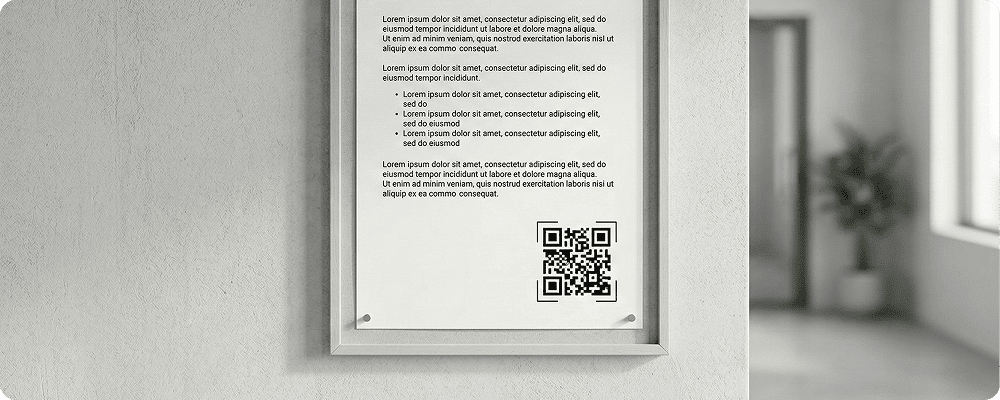
Notices are commonly used across schools, colleges, government offices, housing societies, factories, and corporate offices in India and Asia Pacific. Traditionally, notices are printed and displayed on boards. However, printed notices have limited space and cannot be updated easily once placed.
A QR code for notices makes communication faster and more flexible. Instead of printing long information, you can display a short notice with a QR code. People can scan the code to read full details on their mobile phones.
This method is especially useful in educational institutions, rural offices, and public places where quick access to updated information is important. QR-based notices reduce printing costs and ensure that everyone gets complete and correct information.
Benefits of QR Code for Notices
Share Detailed Information
Display short headings on boards and provide full details through QR scanning.
Easy Updates
Change notice content anytime without replacing the printed QR code.
Reduce Paper Usage
Avoid printing multiple pages for long announcements.
Instant Access
Students, employees, or visitors can read notices immediately on their phones.
Suitable for Rural and Urban Areas
Simple scanning works even for non-technical users.
Organised Communication
Maintain a clean and less crowded notice board.
Track Engagement
Monitor how many people accessed the notice digitally.
Best Examples
Schools and Colleges
Share exam schedules, holiday announcements, admission details, and circulars.
Government Offices
Display public announcements, scheme details, and application guidelines.
Housing Societies
Inform residents about maintenance schedules, meetings, or events.
Factories and Industrial Units
Share safety instructions and compliance updates.
Corporate Offices
Announce internal policies, HR updates, and training schedules.
Public Events
Provide event schedules and important guidelines through QR notices.
QR Code Generation for Notices with Digital QR
- Open your browser and search digitalqr.co.
- Select the ‘Text’ or ‘PDF’ QR type option based on your notice format
- Upload your notice document or enter the detailed notice.
- Customize the QR code for clear visibility on notice boards.
- Download the high-resolution QR code and display it on your printed notice.