
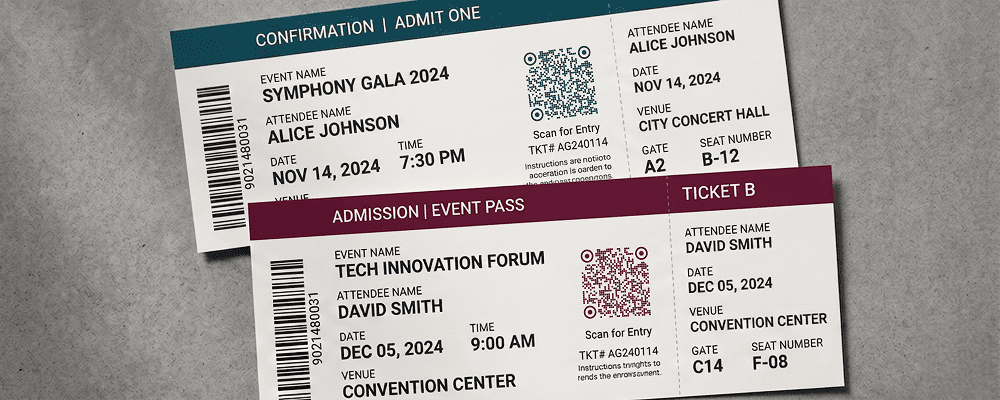
Managing tickets for events, travel, entry passes, and appointments can become difficult when handled manually. Printed tickets can be lost, duplicated, or damaged. Manual verification at entry points also creates long queues and confusion.
A QR code for tickets makes entry management fast and organized. Each ticket can carry a unique QR code that can be scanned at the entry gate for quick verification. This improves security and reduces waiting time.
QR code tickets are useful for events, cinemas, seminars, transport services, exhibitions, amusement parks, and private gatherings. They provide a modern and reliable ticketing solution.
Benefits of QR Code for Tickets
Faster Entry Process
Scan and verify tickets within seconds, reducing long queues.
Reduce Fraud and Duplicate Entry
Unique QR codes help prevent fake or repeated entries.
Easy Digital Distribution
Send tickets through email or SMS instead of printing physical copies.
Contactless Verification
Minimize physical handling during entry checks.
Better Event Management
Track the number of attendees accurately.
Save Printing Costs
Avoid bulk printing of physical tickets.
Suitable for Small and Large Events
From local gatherings to large exhibitions and concerts.
Real-Time Attendance Tracking
Monitor entry data and manage crowd control efficiently.
Best Examples
Event Entry Passes
Concerts, seminars, and exhibitions can issue QR-based entry tickets.
Cinema and Theatre Tickets
Allow customers to book online and scan at the entrance.
Travel and Transport
Bus operators and tour organizers can provide QR-based travel tickets.
Amusement Parks
Visitors can enter by scanning their digital ticket.
Corporate Events
Companies can issue QR-based passes for conferences and meetings.
Private Functions
Wedding and party organizers can manage guest entry easily.
QR Code Generation for Profile Sharing with Digital QR
- Open your browser and search digitalqr.co.
- Select the ‘Event’ QR type option based on your ticketing setup.
- Enter your event details.
- Customize the QR code to match your event branding.
- Download the high-resolution QR code and add it to your printed or digital tickets.