
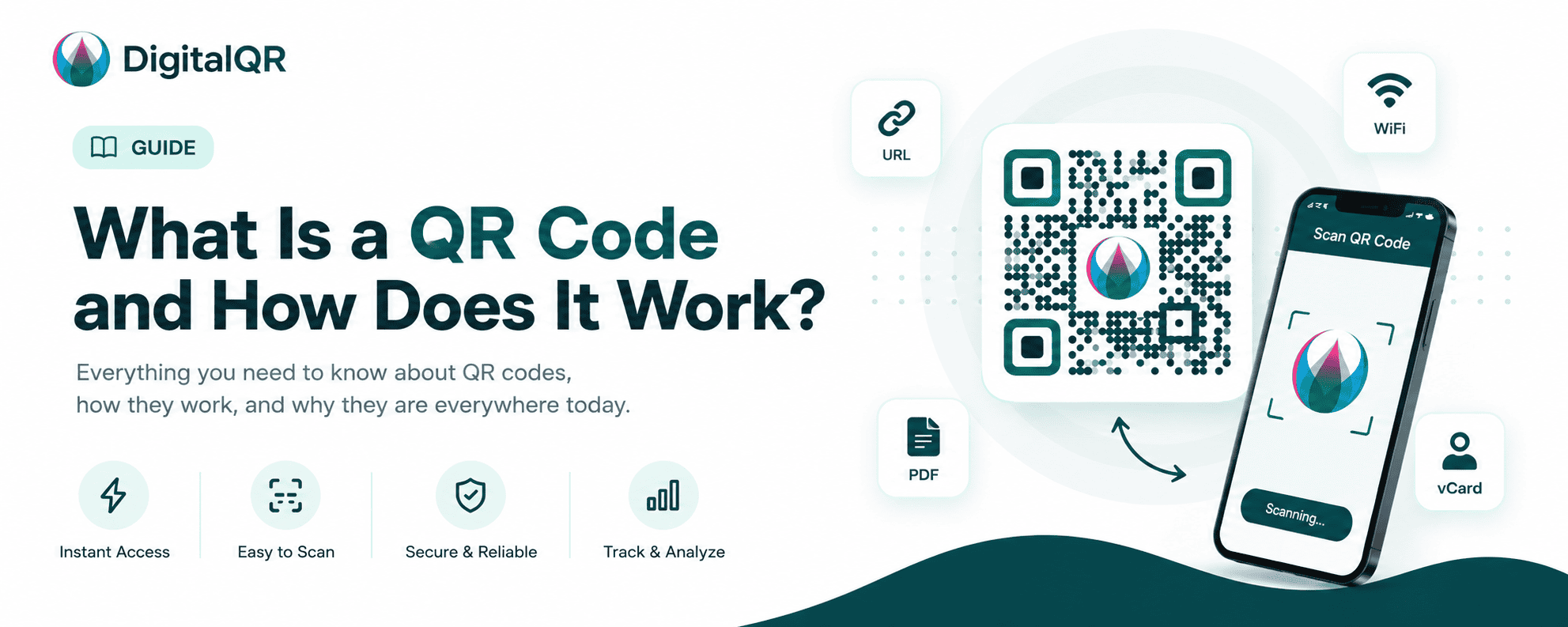
QR codes are everywhere today. You can see them in restaurants, advertisements, product packaging, business cards, payment systems, event tickets, and social media campaigns. Businesses use QR codes to connect offline users to digital experiences quickly and easily.
But many people still ask:
- What is a QR code?
- How do QR codes work?
- Are QR codes safe?
- Why are businesses using QR codes so much?
In this complete beginner guide, we’ll explain everything you need to know about QR codes, including how they work, their benefits, different types of QR codes, business use cases, security tips, and how you can create your own QR code.
What Is a QR Code?
A QR code, short for “Quick Response code,” is a type of two-dimensional barcode that stores information digitally. Unlike traditional barcodes that only store information horizontally, QR codes store data both horizontally and vertically.
This allows QR codes to hold much more information.
A QR code can store:
- Website URLs
- Contact information
- WiFi passwords
- Product details
- Payment links
- Social media profiles
- PDF files
- Event information
- Menu links
- App download links
Users simply scan the QR code using their smartphone camera to instantly access the stored information.
QR codes were originally developed in 1994 by the Japanese company Denso Wave for tracking automotive parts. Today, they are used worldwide across almost every industry.
How Do QR Codes Work?
QR codes work by encoding information into a square pattern made of black and white pixels.
When a user scans the code using a smartphone or QR scanner app, the device reads the pattern and converts it into readable information.
The process works in four simple steps:
Step 1: Information Is Encoded
The QR code generator converts information into a machine-readable format.
For example:
- A website URL
- Contact details
- A text message
- A PDF document
The data is transformed into small black-and-white modules.
Step 2: QR Code Is Generated
The generator creates a visual square code containing the encoded data.
Each QR code includes:
- Position markers
- Alignment patterns
- Timing patterns
- Data modules
- Error correction information
These elements help scanners accurately read the code.
Step 3: User Scans the QR Code
A smartphone camera or QR scanner app reads the code.
Modern smartphones usually include built-in QR scanning functionality directly inside the camera app.
The scanner detects:
- Position
- Orientation
- Data structure
Then decodes the information.
Step 4: Information Is Displayed
The smartphone instantly opens the content.
Examples:
- Opens a website
- Connects to WiFi
- Shows a restaurant menu
- Saves contact details
- Starts a payment
The entire process takes only seconds.
Types of QR Codes
There are several different types of QR codes available today.
Understanding these types helps businesses choose the correct QR code for their needs.
1. URL QR Codes
URL QR codes direct users to a website or landing page.
These are the most common QR codes used in marketing campaigns.
Businesses use them for:
- Product pages
- Promotions
- Event registrations
- Restaurant menus
- Social media campaigns
2. WiFi QR Codes
WiFi QR codes allow users to connect to a wireless network instantly without manually entering passwords.
These QR codes are commonly used in:
- Cafes
- Hotels
- Offices
- Restaurants
- Airports
3. vCard QR Codes
vCard QR codes store contact information.
When scanned, users can instantly save:
- Name
- Phone number
- Email address
- Company information
- Website
These are popular for business cards and networking.
4. PDF QR Codes
PDF QR codes open PDF documents instantly.
Businesses use them for:
- Product catalogs
- User manuals
- Restaurant menus
- Brochures
- Reports
5. Payment QR Codes
Payment QR codes simplify digital transactions.
Customers scan the code to pay instantly using:
- UPI
- PayPal
- Google Pay
- Apple Pay
- Banking apps
These are extremely popular in retail and restaurants.
6. Social Media QR Codes
Social media QR codes help users follow accounts quickly.
Businesses use them for:
- TikTok
- YouTube
Static vs Dynamic QR Codes
One of the most important things to understand is the difference between static and dynamic QR codes.
What Is a Static QR Code?
A static QR code contains fixed information.
Once created, the content cannot be changed.
For example:
If a static QR code links to a website, the URL is permanently stored inside the code.
Advantages:
- Free to create
- Simple to use
- Permanent data
Disadvantages:
- Cannot edit content later
- No analytics tracking
- Cannot track scans
What Is a Dynamic QR Code?
A dynamic QR code stores a short redirect URL instead of direct content.
This allows businesses to update the destination anytime without changing the QR code itself.
Advantages:
- Editable after creation
- Scan tracking
- Analytics dashboard
- Device and location tracking
- Campaign management
Disadvantages:
- Usually requires a platform account
- Some advanced features may require payment
Dynamic QR codes are ideal for businesses and marketing campaigns.
Benefits of QR Codes
QR codes provide many advantages for both businesses and users.
1. Fast Access to Information
Users can access content instantly without typing URLs manually.
This improves convenience and user experience.
2. Contactless Experience
QR codes became extremely popular during the COVID-19 pandemic because they enabled contactless interactions.
Examples include:
- Digital menus
- Contactless payments
- Touch-free check-ins
3. Better Marketing Engagement
Businesses use QR codes to connect offline marketing with online experiences.
Examples:
- Posters
- Flyers
- Packaging
- Billboards
- Product labels
QR codes increase engagement and conversion rates.
4. Easy Analytics Tracking
Dynamic QR codes provide valuable analytics such as:
- Number of scans
- Device type
- User location
- Scan time
- Browser information
This helps businesses measure campaign performance.
5. Cost-Effective Marketing Tool
QR codes are inexpensive and easy to implement.
Even small businesses can use them effectively.
Real-World Uses of QR Codes
QR codes are now used across many industries.
Restaurants
Restaurants use QR codes for:
- Digital menus
- Online ordering
- Customer reviews
- Loyalty programs
Retail Stores
Retail businesses use QR codes for:
- Product information
- Discounts
- Product authentication
- Payment systems
Education
Schools and universities use QR codes for:
- Attendance tracking
- Digital learning materials
- Student IDs
- Event registration
Real Estate
Real estate agencies use QR codes on property signs.
Users can instantly view:
- Property details
- Virtual tours
- Agent contact information
Healthcare
Hospitals and clinics use QR codes for:
- Patient records
- Appointment scheduling
- Medicine information
- Contactless check-ins
Events and Conferences
Event organizers use QR codes for:
- Ticket verification
- Registration
- Schedules
- Networking
Are QR Codes Safe?
QR codes are generally safe when used properly.
However, scammers can misuse QR codes for phishing or malicious websites.
Common QR Code Security Risks
1. Phishing Websites
Attackers may create fake QR codes that redirect users to dangerous websites.
2. Fake Payment QR Codes
Scammers sometimes replace legitimate payment QR codes with fake ones.
3. Malware Downloads
Some QR codes may trigger malicious downloads.
QR Code Safety Tips
To stay safe:
- Only scan QR codes from trusted sources
- Preview URLs before opening
- Avoid scanning damaged or suspicious QR codes
- Use smartphone security features
- Verify payment information carefully
Businesses should also use trusted QR code generators and secure HTTPS websites.
Best Practices for Creating QR Codes
If you want your QR code campaigns to succeed, follow these best practices.
1. Use High Contrast Colors
Dark QR codes on light backgrounds scan best.
Avoid:
- Low contrast combinations
- Extremely bright colors
- Busy backgrounds
2. Maintain Proper Size
Small QR codes may become difficult to scan.
Recommended minimum size:
- Print: 2 x 2 cm
- Posters: Larger depending on distance
3. Test Before Publishing
Always test your QR code on multiple devices before printing or launching campaigns.
4. Add a Call-to-Action
Users scan more when instructions are clear.
Examples:
- Scan to View Menu
- Scan to Download App
- Scan for Discount
5. Use Dynamic QR Codes for Campaigns
Dynamic QR codes provide flexibility and analytics.
They are ideal for marketing campaigns.
How to Create a QR Code
Creating a QR code is very simple.
You can create one in just a few minutes.
Step 1: Choose a QR Code Generator
Select a trusted QR code platform such as DigitalQR.
Step 2: Select QR Code Type
Choose the content type:
- URL
- WiFi
- vCard
Step 3: Enter Your Information
Input the content you want users to access.
Step 4: Customize Design
You can customize:
- Colors
- Shapes
- Frames
- Logo
- Background
Step 5: Generate and Download
Generate the QR code and download it in:
- PNG
- SVG
Future of QR Codes
QR codes continue to grow rapidly worldwide.
Businesses increasingly rely on QR technology because it bridges physical and digital experiences.
Emerging trends include:
- AI-powered QR campaigns
- Personalized QR experiences
- Smart packaging
- Augmented reality integrations
- Advanced analytics
- Secure digital identity systems
As mobile usage grows, QR codes will remain a powerful tool for businesses and consumers.
Final Thoughts
QR codes have become one of the most powerful tools for connecting offline and online experiences.
They are simple, fast, cost-effective, and highly versatile.
Whether you are a small business owner, marketer, restaurant, educator, or enterprise company, QR codes can help improve customer engagement and simplify digital access.
Understanding how QR codes work, choosing the correct QR code type, and following best practices can help you maximize results.
As QR technology continues to evolve, businesses that adopt QR code strategies early will gain a strong advantage in customer experience, marketing, and digital transformation.
If you want to create professional static or dynamic QR codes, start using DigitalQR today and explore how QR technology can grow your business.