
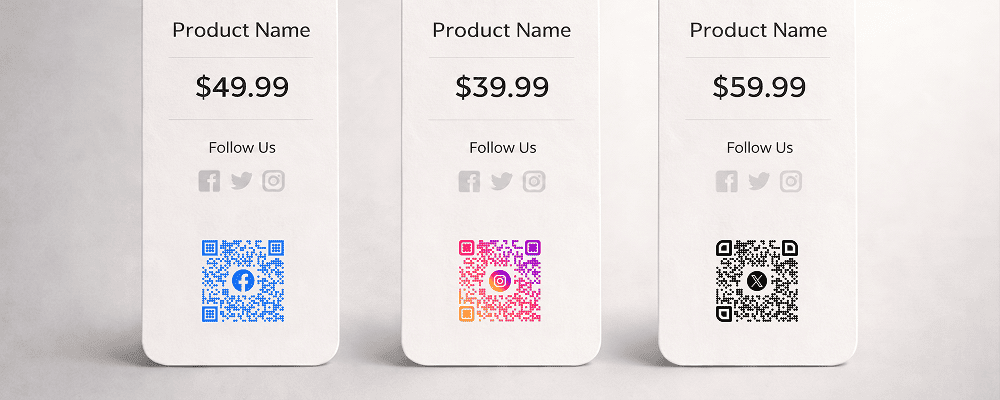
Social media plays a powerful role in brand visibility and customer engagement. Businesses promote their products and services on platforms like Facebook, Twitter, and YouTube, but many potential customers do not follow or subscribe because they find it inconvenient to search manually.
A QR code for social media makes it simple to connect. Customers can scan the code and instantly visit your social media pages or access all your platforms in one place. This increases followers, subscribers, and overall online presence.
Whether you are a retail brand, restaurant, educator, influencer, startup, or service provider, social media QR codes help you grow your digital audience directly from offline marketing materials.
Benefits of QR Code for Social Media
Increase Followers Quickly
Turn offline visitors into online followers with one scan.
Easy Access to Multiple Platforms
Connect customers to all your social channels from a single QR code.
Boost Video Views
Drive traffic directly to your YouTube channel or promotional videos.
Improve Brand Visibility
Strengthen your online presence through consistent engagement.
Suitable for All Marketing Materials
Place QR codes on posters, packaging, visiting cards, storefronts, or banners.
Reduce Manual Searching
Customers do not need to type your page name or search online.
Track Engagement
Monitor how many people scanned and interacted with your social platforms.
Best Examples
Retail Stores
Display QR codes near billing counters to encourage customers to follow for offers.
Restaurants and Cafes
Promote Instagram, Facebook, or YouTube channels through table displays.
Event Organizers
Increase event page followers and live stream viewers.
Educational Institutions
Encourage students and parents to follow official updates.
Influencers and Content Creators
Share all social platforms using one QR code.
Corporate Offices
Promote company pages during exhibitions and networking events.
QR Code Generation for Storefront Display with Digital QR
- Open your browser and search digitalqr.co.
- Select the ‘Social Media Channels’ QR type option based on your profile setup.
- Enter your profile links and add your social media details.
- Customize the QR code to match your personal branding style.
- Download the high-resolution QR code and place it on your resume, visiting card, or presentation.