
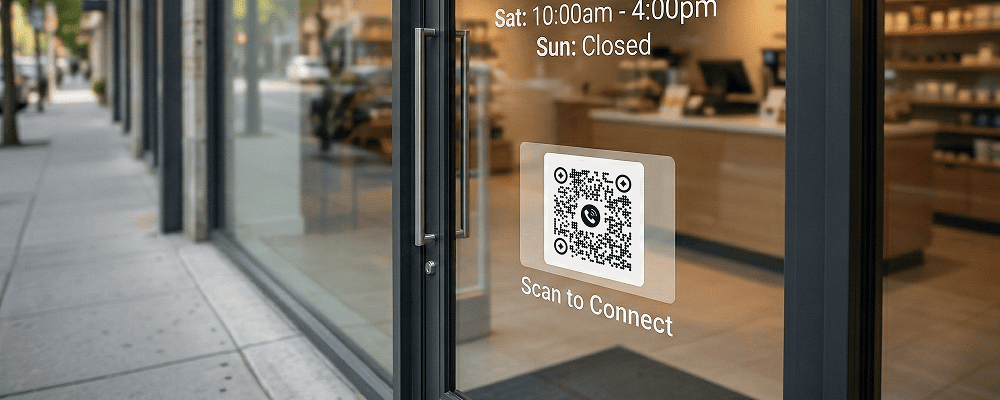
A storefront is the first point of interaction between a business and potential customers. Many people pass by shops, showrooms, clinics, and offices even after working hours. However, once the shop is closed, customers cannot access information about products, services, or contact details.
A QR code for storefront display helps businesses stay connected 24 hours a day. By placing a QR code on the glass door, window, or entrance wall, customers can scan and access product catalogs, offers, business hours, location details, or contact information instantly.
This is especially useful for retail stores, restaurants, salons, medical shops, and service centers that want to convert walk-by visitors into real customers.
Benefits of QR Code for Storefront Display
24/7 Customer Access
Share product and service details even when the store is closed.
Promote Ongoing Offers
Display discounts and seasonal deals directly through QR scanning.
Increase Footfall
Encourage visitors to return after checking details online.
Easy Contact Sharing
Provide phone number, WhatsApp link, or website access instantly.
Improve Professional Image
Give your storefront a modern and organized look.
Reduce Printed Posters
Keep your storefront clean without cluttering it with too many banners.
Track Customer Interest
Monitor how many people scanned your QR code outside the store.
Best Examples
Retail Clothing Stores
Show latest collections and current discounts.
Restaurants and Cafes
Display digital menus and online ordering links.
Salons and Beauty Parlours
Share service price lists and booking options.
Medical Stores
Provide emergency contact details and home delivery information.
Real Estate Offices
Show available property listings and enquiry forms.
Electronics Showrooms
Share product specifications and warranty details.
QR Code Generation for Storefront Display with Digital QR
- Open your browser and search digitalqr.co.
- Select the ‘Phone’ QR type option.
- Enter your business contact number carefully.
- Customize the QR code to match your storefront branding and ensure clear visibility.
- Download the high-resolution QR code and place it on your shop window, glass door, or entrance wall.