
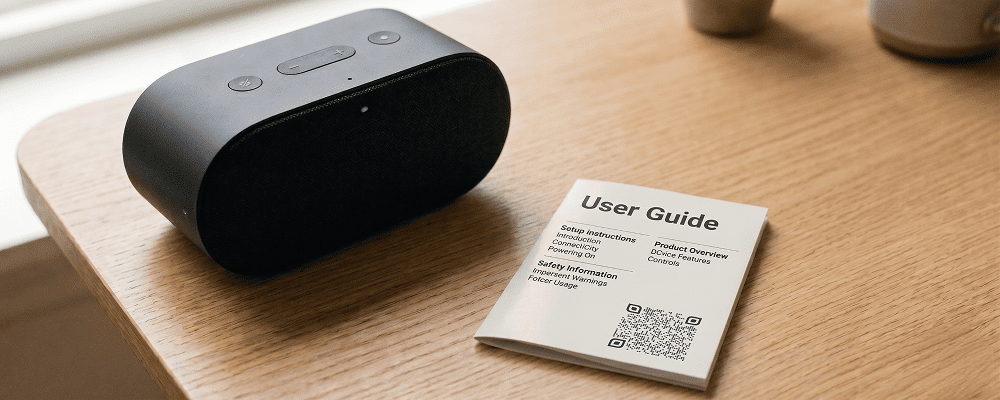
User manuals are important for helping customers understand how to use a product properly. However, printed manuals are often lengthy, difficult to read, and easily misplaced. Many customers do not prefer reading long instruction booklets.
A QR code for user manuals provides a simple and practical solution. Instead of printing detailed instructions, businesses can place a QR code on the product or packaging. Customers can scan the code to watch step-by-step videos or view product images for better understanding.
This is especially useful for electronics, home appliances, machinery, tools, furniture, and agricultural equipment. Visual guidance makes it easier for customers, including non-technical users, to operate products confidently.
Benefits of QR Code for User Manuals
Easy-to-Understand Visual Guidance
Provide video demonstrations instead of long written instructions.
Reduce Printing Costs
Avoid printing large multi-page manuals.
Save Paper and Packaging Space
Keep packaging clean and compact.
Instant Access Anytime
Customers can access instructions whenever required.
Better Customer Experience
Clear video guidance reduces confusion and product misuse.
Easy Updates
Update instruction videos without changing the printed QR code.
Suitable for All Product Types
Works for electronics, tools, appliances, and industrial products.
Improve After-Sales Support
Reduce support calls by providing clear visual instructions.
Best Examples
Home Appliances
Washing machines and microwave ovens can provide setup and usage videos.
Electronics Products
Mobile accessories and gadgets can show installation steps.
Furniture Assembly
Customers can follow step-by-step assembly visuals.
Agricultural Equipment
Farmers can watch operation and maintenance instructions easily.
Industrial Machinery
Provide safety guidance and usage training videos.
Beauty and Personal Care Devices
Show proper usage methods through demonstration clips.
QR Code Generation for Profile Sharing with Digital QR
- Open your browser and search digitalqr.co.
- Select the ‘Videos’ or ‘Image Gallery’ QR type option based on your manual format.
- Upload your product instruction videos or step-by-step images.
- Customize the QR code to match your product branding.
- Download the high-resolution QR code and print it on the product packaging or manual card.